Selected saves in sync
Configure Google Drive and synchronize selected save data between your EmulAItor devices.
Keep selected saves, states and previews in sync through Google Drive and continue your game on another Android screen.
Download EmulAItorExplore every feature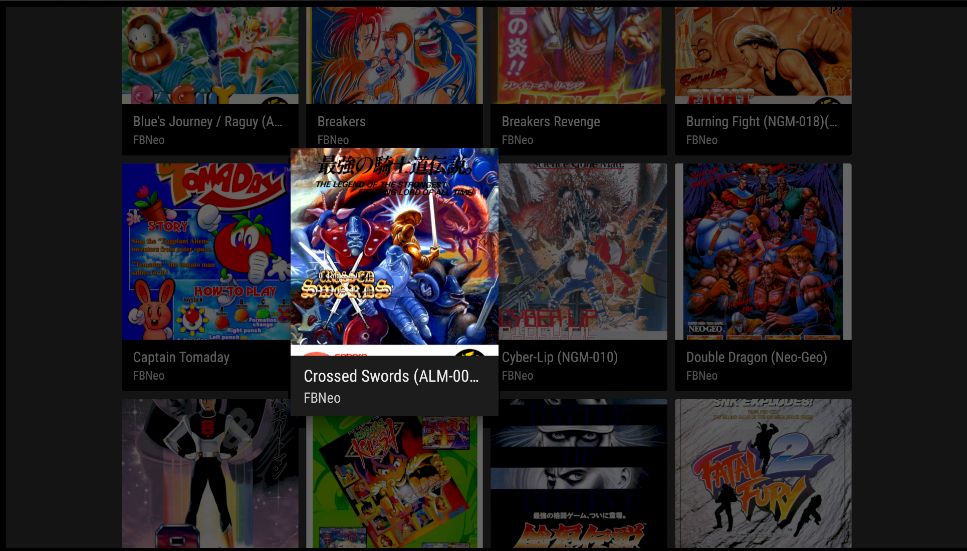
Configure Google Drive and synchronize selected save data between your EmulAItor devices.
Keep selected save states and their previews available as part of your synchronized progress.
Start a game on one Android device and continue it on another screen.
Return to cover art, metadata, favorites and recent games when choosing what to play next.
Use autosave, quick save or a preview slot while playing.
Run Google Drive synchronization after it has been configured in EmulAItor.
Open EmulAItor on another device, synchronize and resume from the available save.
The verified flow covers selected saves, selected states and previews through Google Drive.
Yes. Google Drive synchronization is designed to support continuity between EmulAItor devices.
Yes. Autosave, preview slots, quick save and quick load remain part of the local play experience.